AI photoshoot generator for clothing brands
Skip the studio day. Upload your product, pick a model and a setting, and get on-model photos for your store, marketplaces and ads — in minutes.
In short
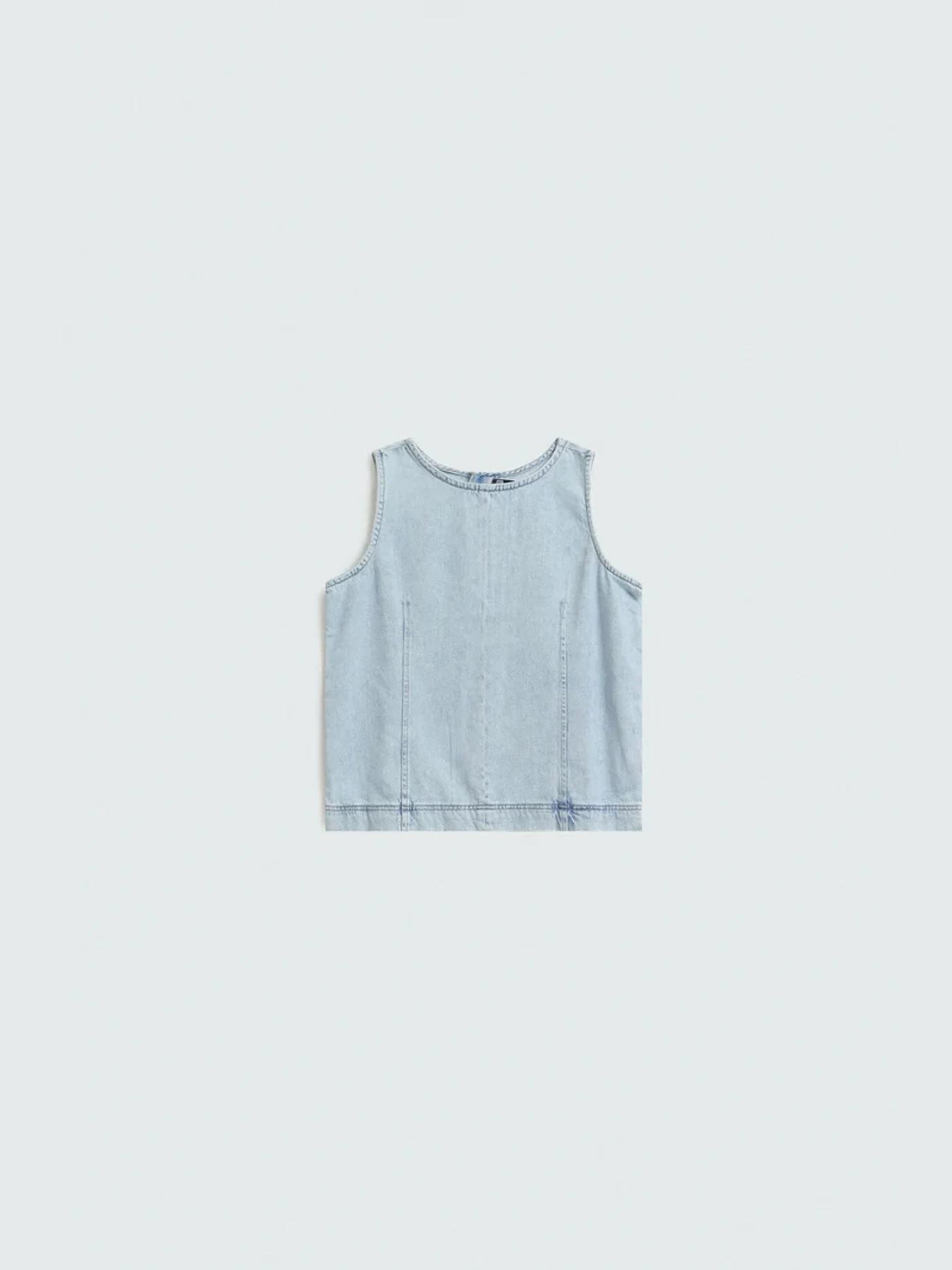
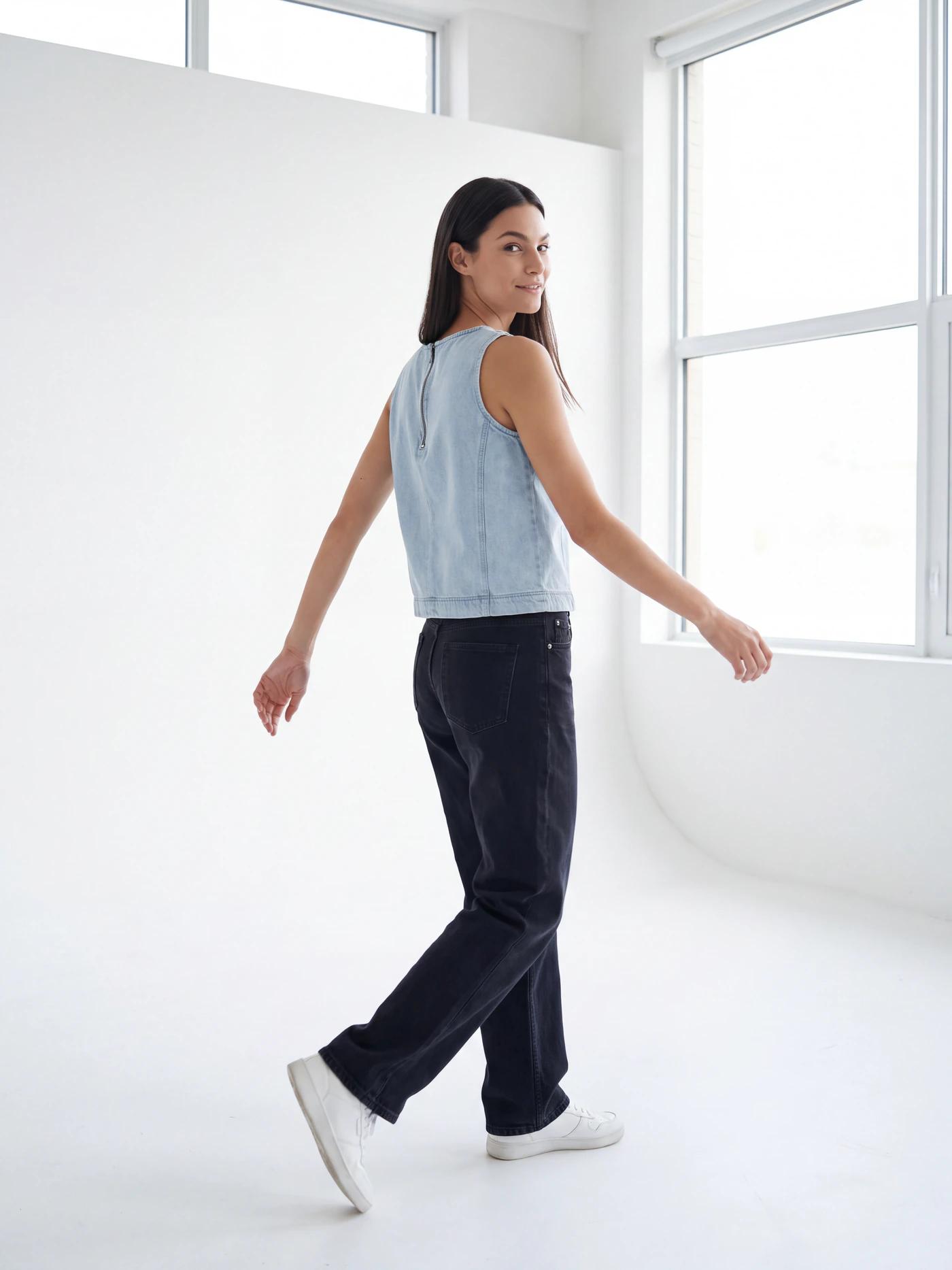
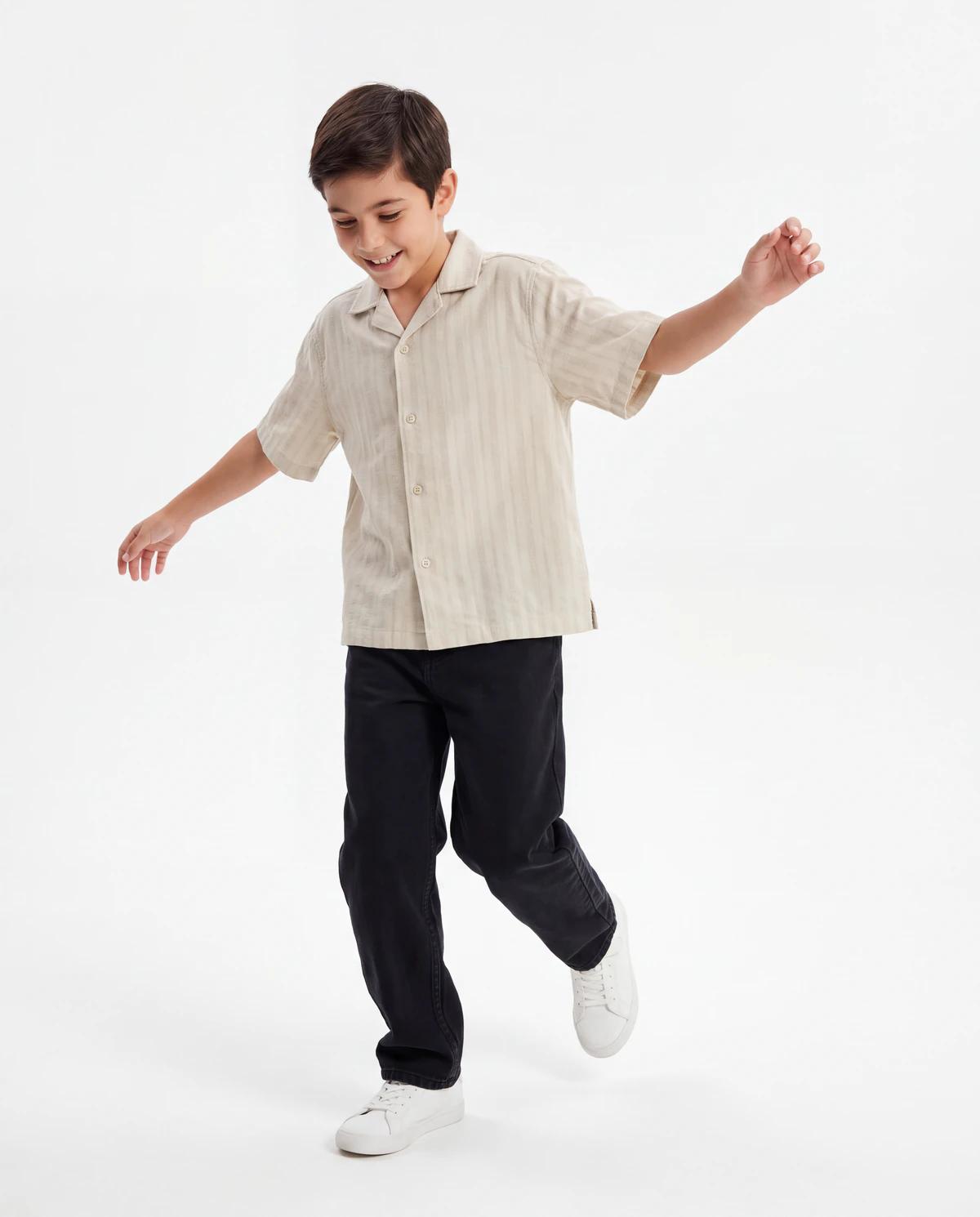
An AI photoshoot turns one photo of your garment into finished on-model photos. Upload a flat lay, choose an AI model or a real creator, pick the setting, and Nokkh generates front, back, movement and detail shots of the model wearing your exact piece. Each photo costs $0.50, with no monthly plan — and the first 50 brands get free credits to start.
One upload, a full set of shots
A single AI photoshoot gives you the frames a product page and a campaign need — not one picture. The same model, the same garment, shown the way shoppers want to see it.
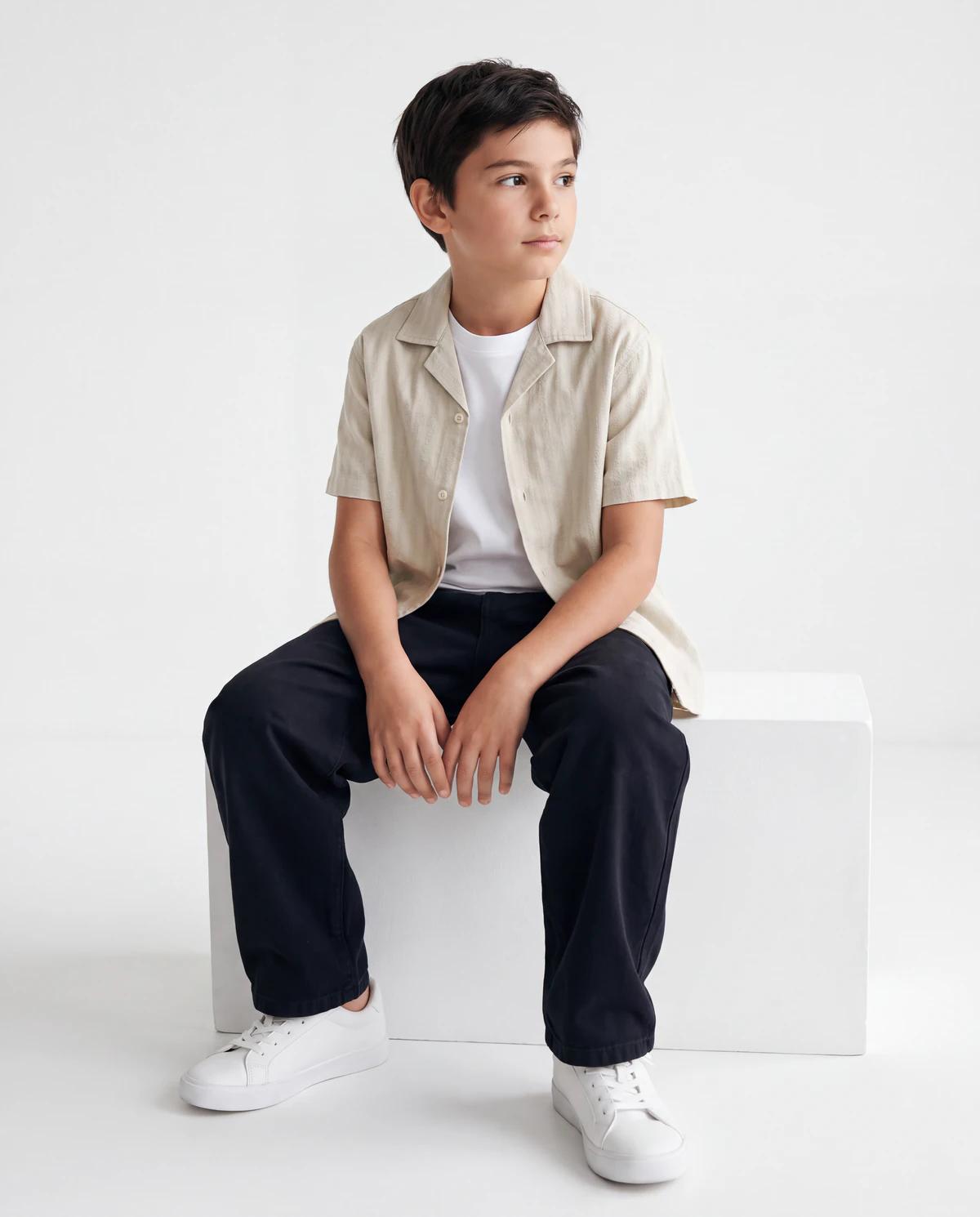
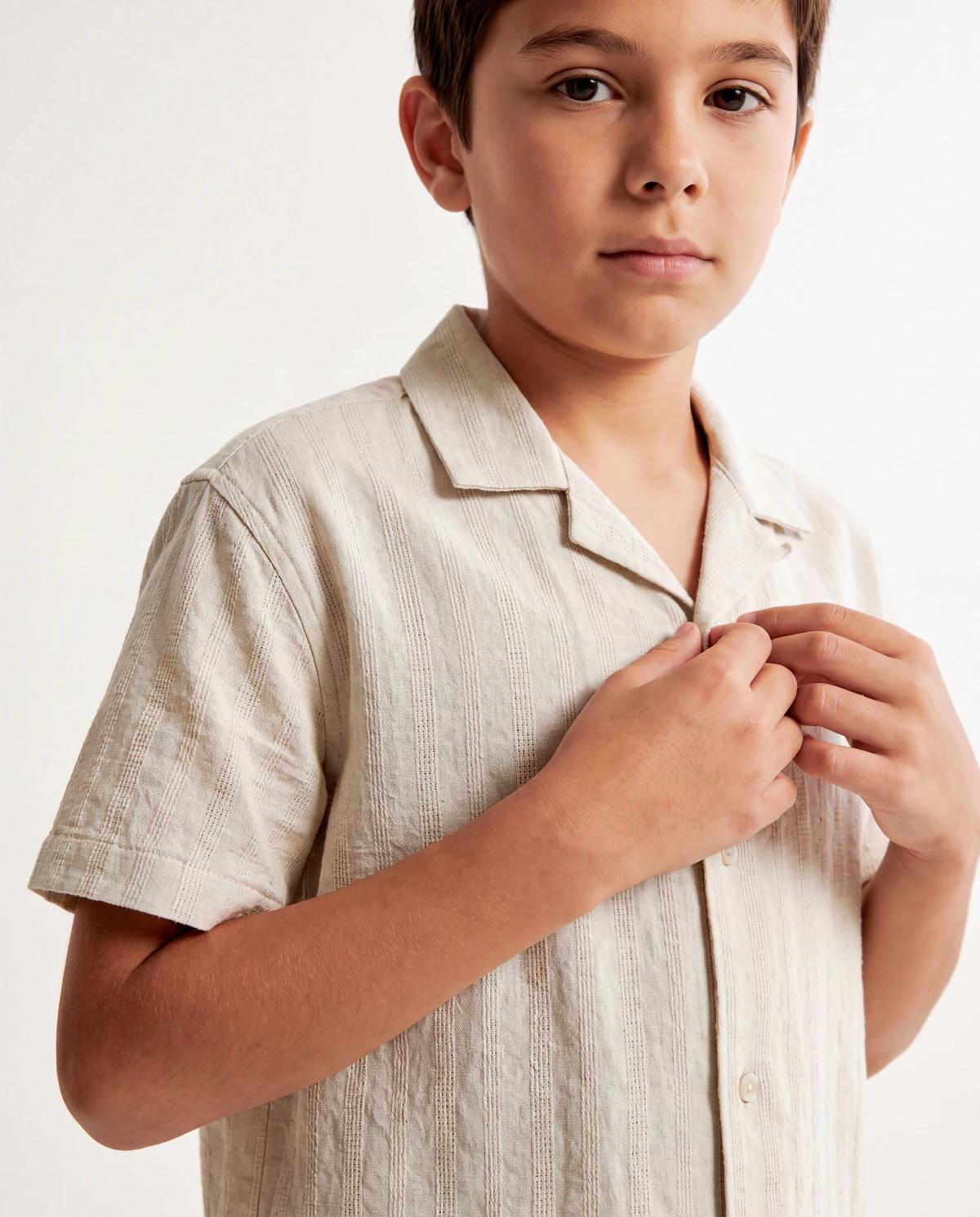
How an AI photoshoot works
1. Upload the product
Add a flat lay, ghost mannequin or hanger photo of the garment — front and back if you have both, plus any accessories worn with it.
2. Pick your model
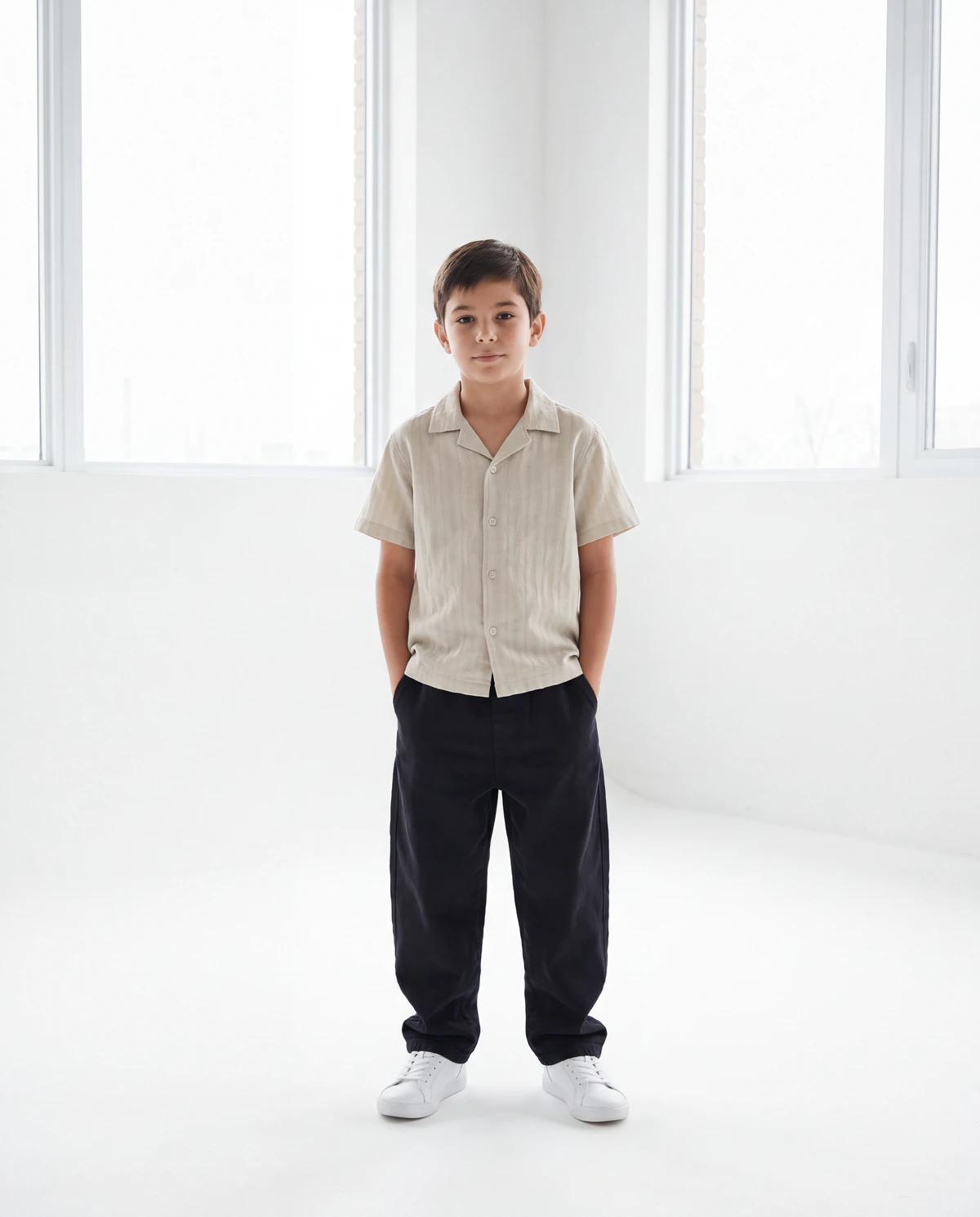
Use a ready-made AI model, create your own, or cast a real creator who licenses their face for AI shoots.
3. Set the direction
Choose the setting and mood — clean studio, street, rooftop, heritage courtyard — and the shots you need.
4. Get your photos
Receive finished on-model photos in minutes, review them, and regenerate any frame you want changed.
AI or real: choose the face of your campaign
Most AI photoshoot tools stop at generated faces. Nokkh gives you three options: ready-made AI models you can use straight away, AI models you design yourself — age, skin tone, build, hair — and real creators from the Creator Network who license their likeness to brands, approve each campaign and are paid when their face is used.
Photoshoot ideas for clothing brands
Clean studio catalog
White or grey sweep, even light. The standard for product pages and marketplaces.
Street style
City walls, crossings and cafés — casualwear and denim look lived-in.
Rooftop golden hour
Warm late-afternoon light for lawn, kurtas and summer drops.
Heritage courtyard
Arches and sandstone for eastern wear, festive and bridal collections.
Eid & festive lookbook
Rich settings and styling for seasonal launches.
Monochrome editorial
High-contrast, magazine-style frames for campaigns and hero banners.
Pricing: $0.50 a photo, no plan
You pay per generated photo — $0.50 each — with no subscription and no minimum, so a ten-photo product set costs $5. A traditional shoot bundles a model, a photographer, a studio, styling and retouching into a day rate; an AI photoshoot charges only for the photos you keep making. The first 50 brands to sign up get 50 free credits, enough for 10 photos, while spots last.
Frequently asked questions
What is an AI photoshoot?expand_more
An AI photoshoot generates on-model photos of your real product without a studio day. You upload a photo of the garment, choose a model and a setting, and AI produces finished photos of the model wearing that exact piece. On Nokkh each photo costs $0.50.
Is there a free AI photoshoot generator?expand_more
New brands can start free: the first 50 brands to claim the welcome offer get 50 free credits — enough for 10 AI photoshoot images — while spots last. After that, every image is $0.50, with no monthly plan.
How long does an AI photoshoot take?expand_more
Minutes per product, not days. There is no booking, no shoot day and no editing queue — you upload, choose a model and a setting, and the photos come back in the same session.
Do I need a model or a photographer?expand_more
No. You only need a clear photo of the product. Choose an AI model, or a real creator from the Nokkh Creator Network if you want a real person’s face on your campaign.
Can I use the photos on my store, Instagram and marketplaces?expand_more
Yes — the photos are made for commercial use on your product pages, marketplaces such as Daraz or Amazon, Instagram and paid ads, under the Nokkh terms.
What should I upload for the best results?expand_more
A well-lit photo of the garment on a plain background, laid flat and smooth, with true colours. Add a close-up of any print or embroidery so it is reproduced faithfully.